
Retrieve data from existing equipment without touching the control system
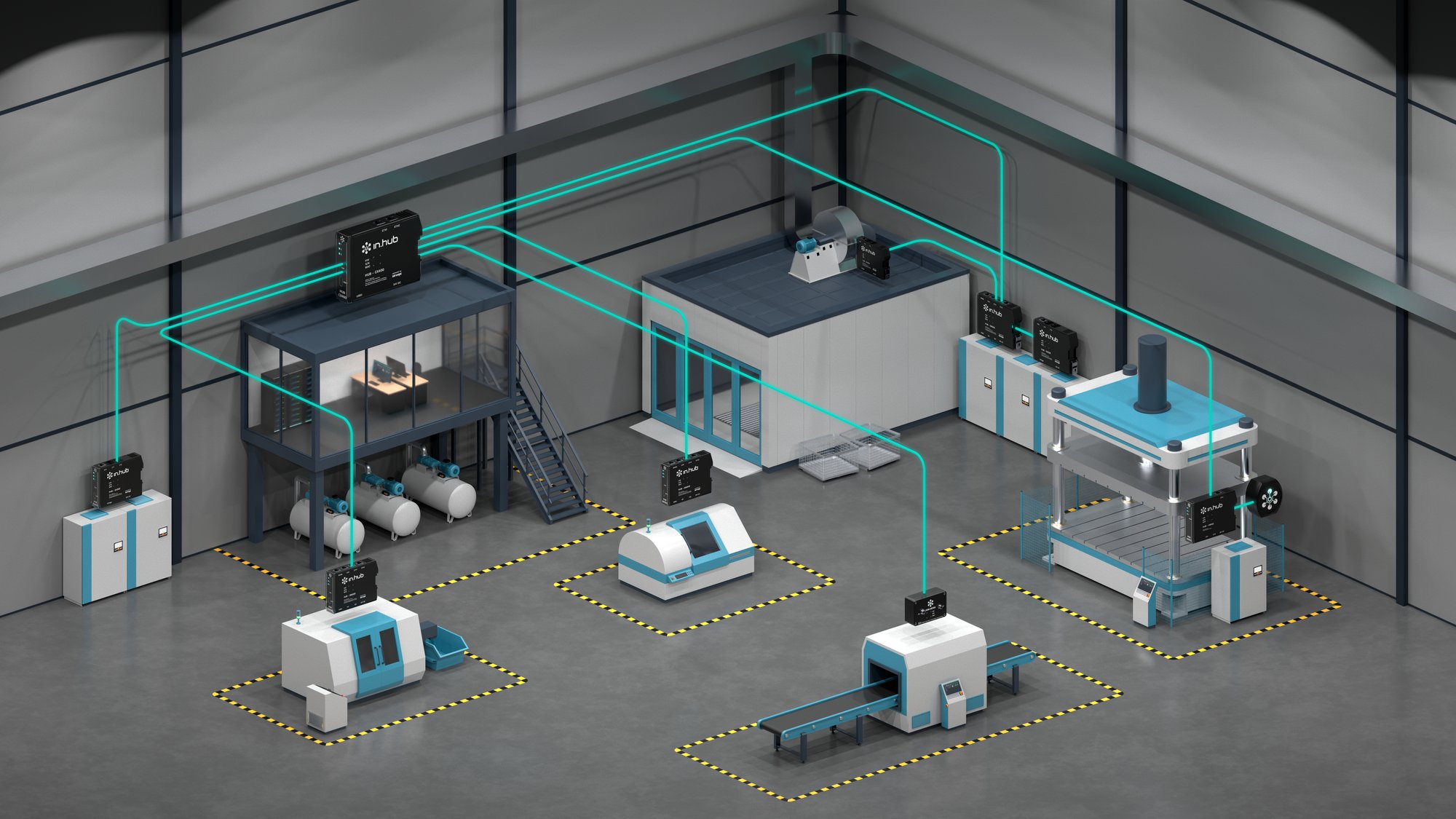
in.hub provides devices, the siineos® platform, and apps for collecting machine data directly on-site. This page shows you how to connect older machines that lack a modern interface. All of this is done without the data ever leaving the device, without having to purchase software, and without setting up a cloud connection
Benefits
What You Can Achieve
- Integrate existing systems without changing the PLC logic
- Make older signals such as Modbus RTU or CAN usable in siineos®
- Read data directly from Siemens S7 controllers
Target Audience
Which machines and facilities it is suitable for
Machines with older control systems, without available PLC resources, or without a modern network interface. Machines that have no control system at all, or machines where the control system is inaccessible
Process
How It Works
-
01
Find a connection point
Identify the signal between the sensor and the PLC or directly at the controller. Our specialists are happy to assist you with this.
-
02
Connecting the HUB-SE100 or Gateways
Connect analog or digital signals inline or via Modbus/CAN/S7 connectors.
-
03
Establish a Network Connection
Simply connect the devices to the local network via LAN or Wi-Fi. -
04
Connect to the device.
Allows any browser to access device management or apps directly on a device -
05
Evaluate
View, analyze, or further process data in siineos® using apps.
-
06
Set up notifications.
Configure your own alerts using thresholds and triggers, and set up notifications when values go above or below them. -
07
Export Data
The data can be exported at any time or transmitted directly to your own systems. SQL, OPC UA, or MQTT directly on board
Features
Examples of Useful Apps and Devices
Module
HUB-SE100
Inline between the sensor and the PLC, no intervention in the control system, or standalone Wi-Fi sensor
Module
HUB-GM200
RS-485/Modbus RTU, CAN, digital and analog inputs, 2x Ethernet
App
Ingraf
Create Your Own Visualization
App
SQLxConnect
Write data to an SQL database
App
SIGNL4
SIGNL4 is an alerting software that enables teams to respond more quickly and effectively to critical alerts, technical issues, and urgent service requests.
App
MadoW
Instantly analyze and visualize your machine downtime and the reasons for it. Instantly analyze and visualize your machine downtime and the reasons for it.
Transparency
What's running locally, and what you need a connection for
| Task | Where it runs | Do you need the Internet? |
|---|---|---|
| Record, store, and analyze measurement data | on the device | No |
| View dashboards and real-time metrics | in the browser, on your own network (LAN/Wi-Fi) | No |
| Alerts When Threshold Values Are Reached | on the device; forwarding via email or SIGNL4 uses your network | For external forwarding only |
| Send data to your systems (OPC UA, MQTT, Modbus, SQL, REST) | on its own network | No |
Do It Yourself
What You Can Do Yourself
- Compile Modbus or CAN addresses from your documentation
- Customize Node-RED flows yourself
With support
We or a partner can help with
- Set up data retrieval from the Siemens S7 controller
- Advice on which device is compatible with the existing interface
Is this right for you?
Requirements and Limitations
Works well when
- want to connect your existing systems without using a PLC
- Modbus RTU, CAN, or a Siemens S7 controller with Ethernet is available
- you want to make changes and improvements yourself
- want to evaluate a wide variety of systems, manufacturers, and ages together
It doesn't work well when
- there is no electrical interface or sensor signal on the machine at all
- A controller that is supposed to provide S7 data without an Ethernet connection: this requires an Ethernet connection on the device
Result
Here is the result
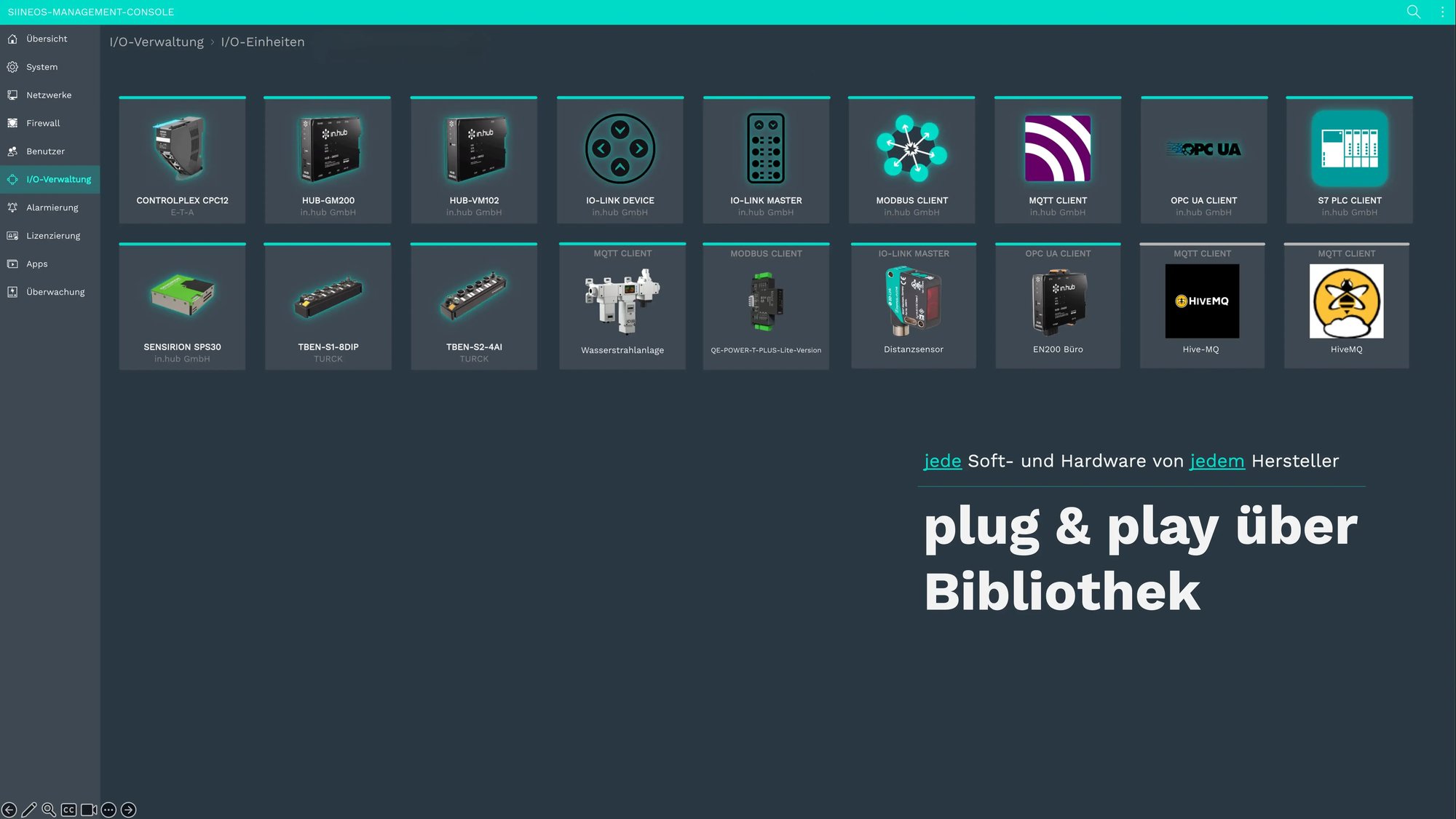
Signals from the existing system in the siineos® web interface, along with the other devices in operation.
Result
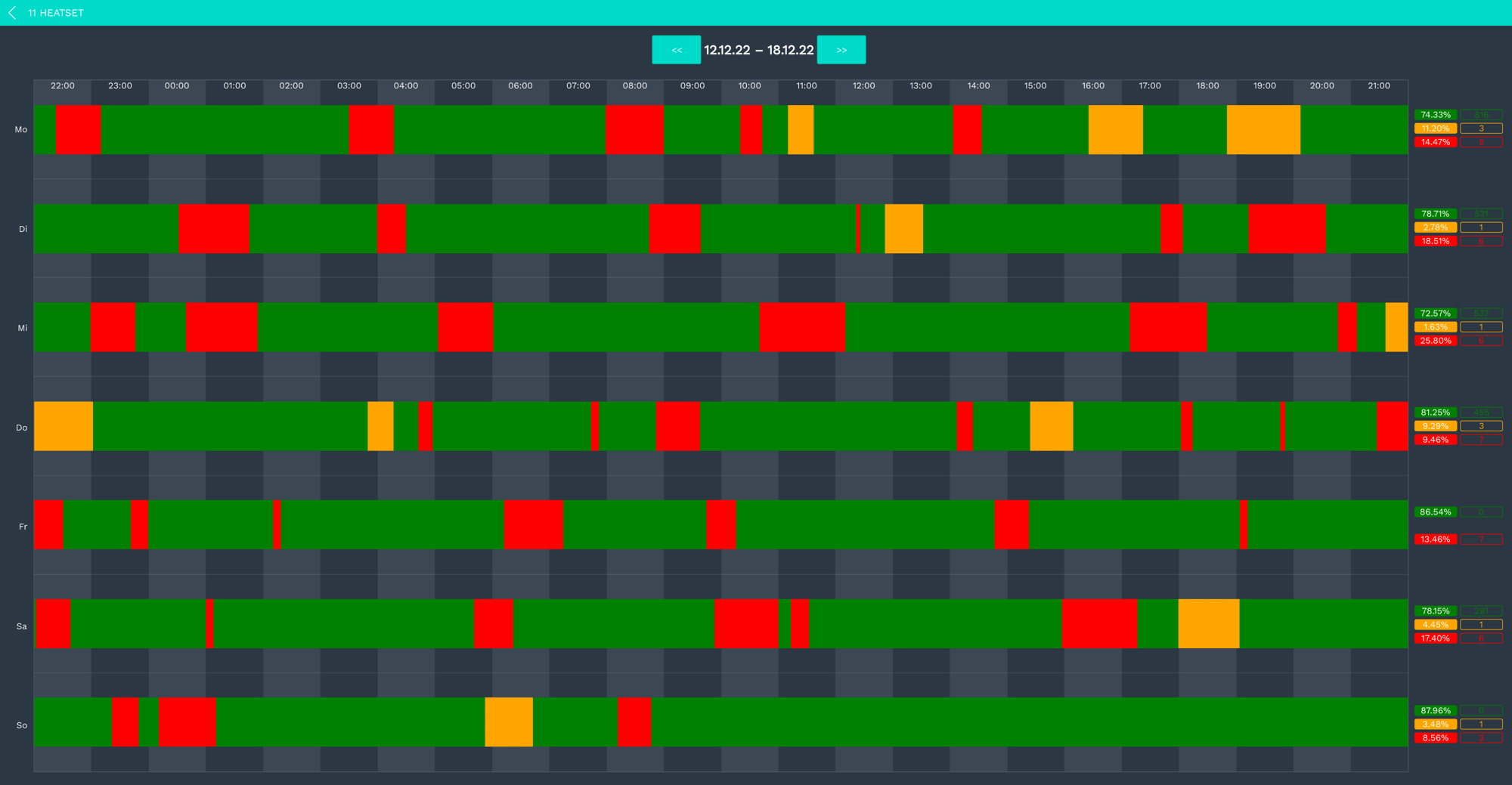
Here’s what downtime monitoring looks like
Analyze downtime, causes of downtime, and OEE directly with the MaDoW app.
FAQ
Frequently Asked Questions
Yes, open systems with no restrictions—products from any manufacturer can be integrated.
Not required; expansion via standard I/O modules or other protocols such as IO-Link or Profinet, configured in siineos®.
Yes, every in.hub device equipped with siineos® and an Ethernet connection can read data directly from Siemens S7 controllers.
Yes, many machine monitoring and data acquisition systems have already been integrated into ERP or MES platforms via siineos®.
Personal Introduction
Tell us about your use case.
During our first conversation, we’ll clarify your goals, existing data, and a sensible starting point. You’ll receive an honest assessment of whether and how in.hub fits your project.


Newsletter
The in.hub in.sights&tech.radar
Industry news and real-world insights from actual companies, every two to four weeks.